
Introduction
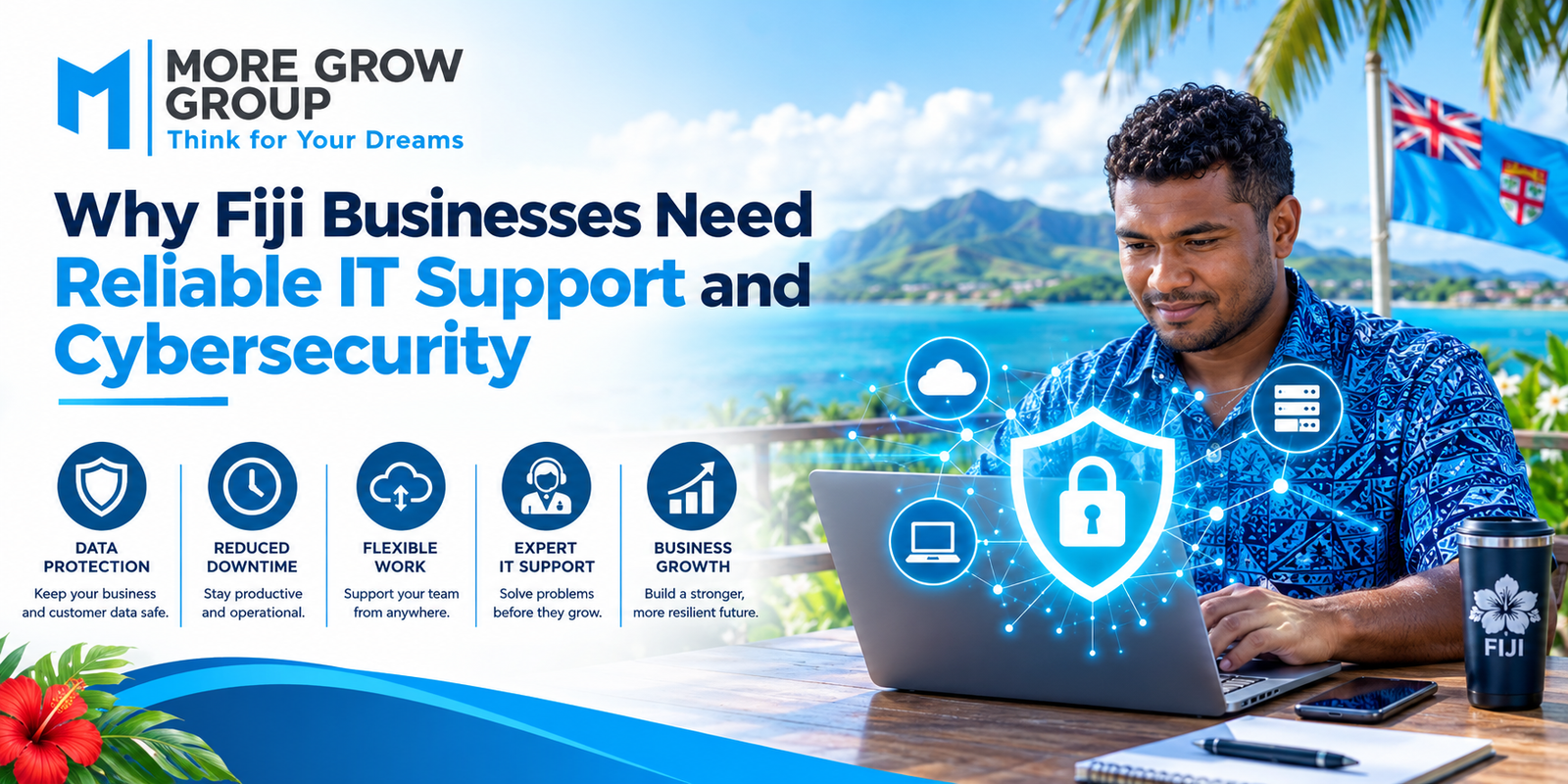
From taking bookings and processing payments to managing stock and communicating with customers, many Fiji businesses depend on computers, internet connections, and cloud services every day.
When those systems stop working, staff may be unable to serve customers or access important information. A cyber incident can create a different problem: business data, accounts, or systems may be exposed or disrupted.
Reliable IT support helps keep technology working and restores service when problems occur. Cybersecurity helps reduce the risk of unauthorised access, scams, and data loss. Businesses need both as part of an ongoing plan.
1. What Is Business IT Support?
IT support is the practical help a business receives to set up, maintain, troubleshoot, and improve its technology.
Depending on the business, IT support may cover:
- Computers and mobile devices
- Internet and Wi-Fi connections
- Email and cloud accounts
- Business software
- Printers and point-of-sale systems
- File storage and backups
- Software updates
- Staff access and passwords
- Technical faults and outages
Effective support also helps a business understand which systems are most important and how quickly each one needs to be restored after a failure.
2. What Is Cybersecurity?
Cybersecurity is the set of practices used to protect devices, accounts, networks, and information from digital threats.
For a small business, this can include strong passwords, multi-factor authentication, software updates, access controls, secure backups, and staff training. The Australian Cyber Security Centre identifies multi-factor authentication, updates, and backups as three important starting measures for small businesses.
Cybersecurity cannot remove every risk. It can, however, make common attacks harder to carry out and help a business respond if something goes wrong.
3. Why Does Reliable Technology Matter for Fiji Businesses?
A technical problem can affect several parts of a business at once.
For example, if a booking system becomes unavailable, a tourism operator may struggle to confirm reservations. If a point-of-sale device fails, a shop may have difficulty processing purchases. If staff cannot access shared files, work may be delayed even though their computers still turn on.
The impact depends on the business, but reliable IT support can help:
- Resolve faults promptly
- Maintain essential systems
- Reduce avoidable interruptions
- Support staff working across locations
- Keep business information accessible
- Plan for replacement equipment and future needs
4. Common Cyber Threats Businesses Should Recognise
Cyber threats do not always begin with a sophisticated attack. Many start with an ordinary-looking email, a reused password, or an account that was never secured.
Phishing Messages
A phishing message may pretend to come from a supplier, bank, delivery company, or colleague. Its aim may be to steal a password, persuade someone to make a payment, or install malicious software.
Business Email Compromise
A criminal may gain access to an email account or impersonate a trusted contact to request a change to payment details. Staff should verify unexpected payment changes using a known phone number, even when the email appears familiar.
Malware and Ransomware
Malicious software can interfere with devices or business files. Ransomware may make files unavailable and demand payment. Secure, tested backups can help a business recover information after an incident.
Lost or Stolen Devices
A misplaced laptop or phone can expose business information if it is not protected by suitable access controls.
5. Why IT Support and Cybersecurity Work Together
A business may have security software installed but still miss important updates. It may back up files but never test whether they can be restored. It may fix a broken computer without checking whether the fault was caused by an account or security issue.
An IT support plan can make security tasks part of routine operations. This includes checking updates, reviewing access, monitoring backup results, helping staff report suspicious activity, and responding to faults.
6. Protecting Customer and Business Information
Fiji businesses may hold customer contact details, booking records, invoices, staff information, supplier details, and financial documents.
That information should be accessible to people who need it for their work and protected from unnecessary access. Practical steps include:
- Giving staff only the access they require
- Removing access when roles change or employment ends
- Using separate accounts for individual users
- Protecting devices with screen locks
- Securing cloud accounts
- Reviewing where important information is stored
Good information management also makes it easier to locate records when staff need them.
7. Why Backups Need Regular Testing
A backup is a separate copy of information that a business may need to recover after accidental deletion, equipment failure, or a cyber incident.
A backup plan should identify what is copied, how often it is copied, where it is stored, who checks it, and how restoration will be tested. Email and cloud data should be considered alongside files stored on office computers.
A backup that has never been tested may fail when it is most needed. The Australian Cyber Security Centre recommends planning and regularly testing business backups.
8. The Importance of Software Updates
Software updates may fix faults and address security weaknesses. Delaying them can leave devices or applications exposed.
Businesses should keep an inventory of the systems they use and establish who is responsible for updating computers, phones, routers, servers, and business applications. Updates to essential systems should be scheduled to limit disruption.
9. Staff Training Is Part of Cybersecurity
Staff are often the first to notice an unusual email, unexpected login request, or change to a supplier’s payment details.
Training should show employees how to:
- Recognise suspicious messages
- Check unexpected payment requests
- Use strong, unique passwords
- Enable multi-factor authentication
- Handle business information appropriately
- Report a suspected mistake promptly
Staff should know whom to contact. Quick reporting can give the business more time to respond.
10. Planning for Internet and Power Interruptions
A business continuity plan should consider what staff will do if internet access, electricity, or a critical system becomes unavailable.
Depending on the operation, the plan may include alternative contact methods, a backup connection, suitable power protection, offline copies of essential procedures, or a manual process for recording transactions temporarily.
The aim is to identify critical work in advance and decide how it can continue safely during an interruption.
11. What Should an Incident Response Plan Include?
An incident response plan tells staff what to do when they suspect a compromised account, missing device, malicious email, or unavailable system.
It should identify:
- Who receives the first report
- Which systems are affected
- Who can disconnect or secure a device
- Who contacts the IT provider
- How evidence and decisions are recorded
- How customers or other parties will be contacted if necessary
- How systems will be restored and checked
The plan should be simple enough for staff to follow under pressure.
12. Choosing an IT Support and Cybersecurity Provider in Fiji
When comparing providers, ask about their experience with businesses of your size and the systems you use.
Useful questions include:
- What support hours and response arrangements are available?
- Can the provider assist at your location or remotely?
- Who manages software updates and account access?
- How are backups monitored and tested?
- What happens if a cyber incident is suspected?
- Will the provider document your systems and procedures?
- Are responsibilities and costs clearly explained?
A provider should explain its recommended work in terms your team can understand.
13. A Practical Starting Checklist
Fiji businesses can begin by reviewing a few essential controls:
- List the devices, accounts, and systems the business relies on.
- Identify which systems are most critical to daily operations.
- Enable multi-factor authentication on important accounts.
- Keep devices and software updated.
- Check that important data is backed up.
- Test whether files can be restored.
- Review who has access to business information.
- Train staff to report suspicious messages and requests.
- Create a short plan for outages and cyber incidents.
- Review the plan as the business changes.
Conclusion
Reliable IT support helps Fiji businesses keep essential systems available and resolve problems when they occur. Cybersecurity helps protect accounts and information while preparing the business to respond to digital threats.
Together, they support daily operations, customer service, and business continuity. The most useful approach is an ongoing one: maintain systems, protect accounts, test backups, train staff, and know what to do when something goes wrong.
For Fiji businesses reviewing their technology needs, More Grow Group can be contacted to discuss available IT support and cybersecurity options suited to their operations.








Leave A Comment